FrontierBridge — Milestone 2
NOW WITH SP3000 SUPPORT!
Milestone 2 Beta 1 supports Intel and Apple silicon Macs running macOS 15 or later.
A direct connection between your Fuji Frontier scanner and your Mac.
FrontierBridge brings scanner connection, image delivery and photo management together in one native Mac app.
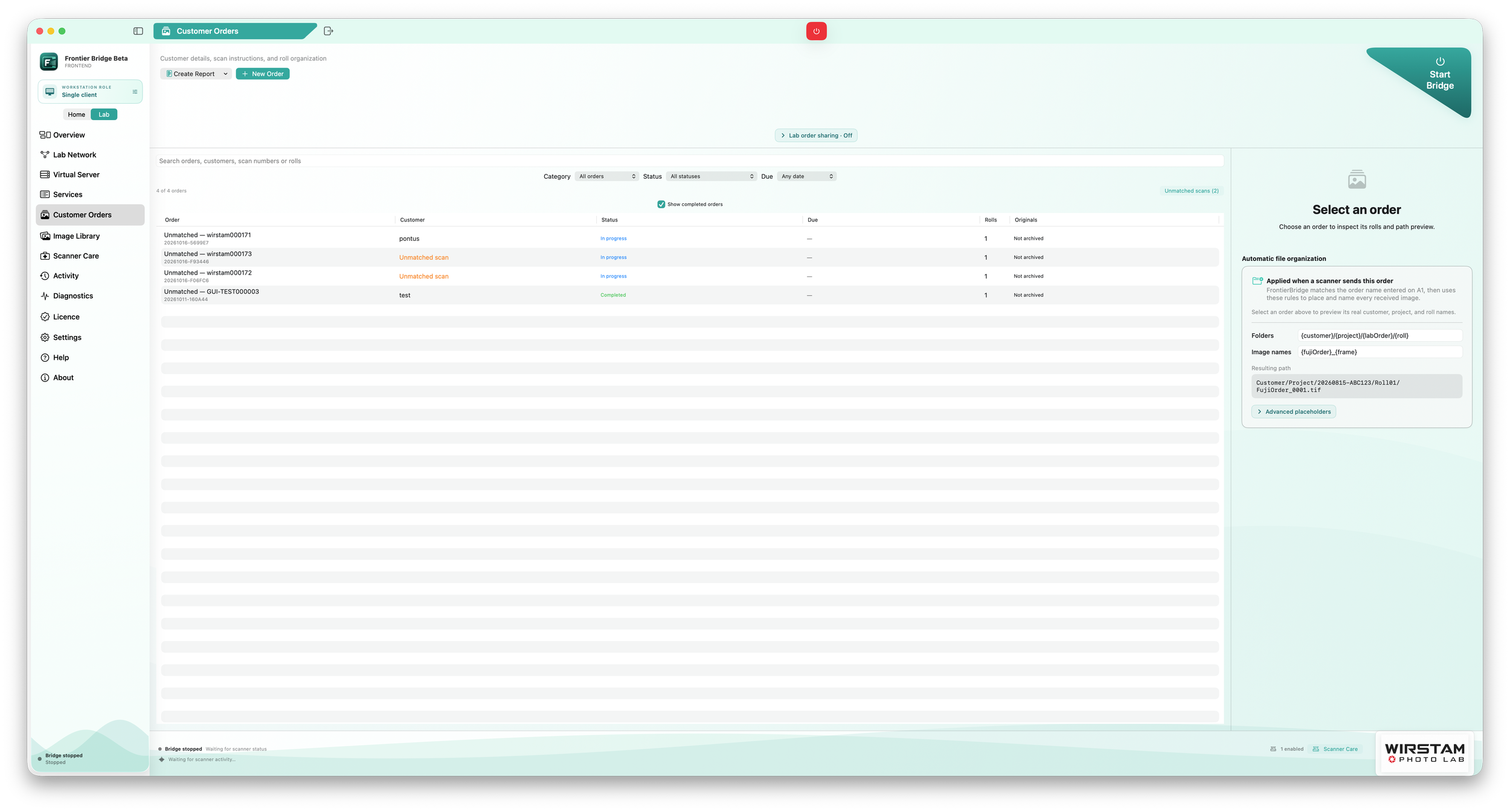
Milestone 2 builds on the scanning foundation with a more complete Home and Lab workflow: manage scanner assignments, organise customer orders, review and finish images, and archive completed rolls.
Scan directly to your Mac
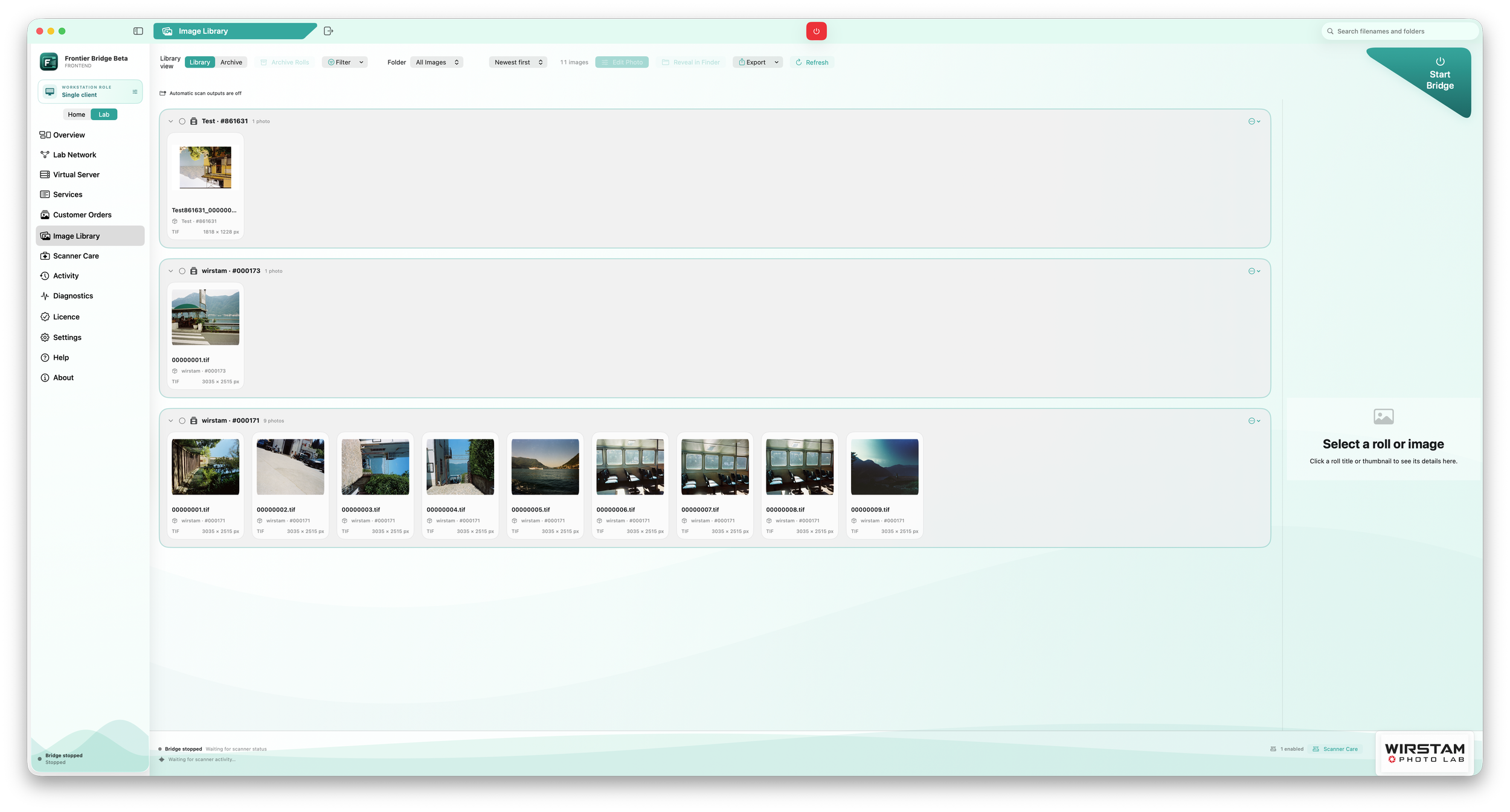
Images appear as they arrive, so you can review received frames while the scanner continues through the roll.
Save scans to a local folder, external drive or mounted NAS share. Browse images in frame order, inspect scanner-reported information and re-export from verified RAW originals without setting up a separate RAW archive.
Supported scanner information automatically fills fields such as scanner model and film size. Clearer scanner identification and warnings about size changes within a roll help you spot unexpected results.
Simple at home. Flexible in the lab.
Home mode keeps everyday scanning straightforward. Set up your scanner, choose its image folder and start the bridge when you’re ready. Saved profiles let you switch scanners without entering Lab mode.
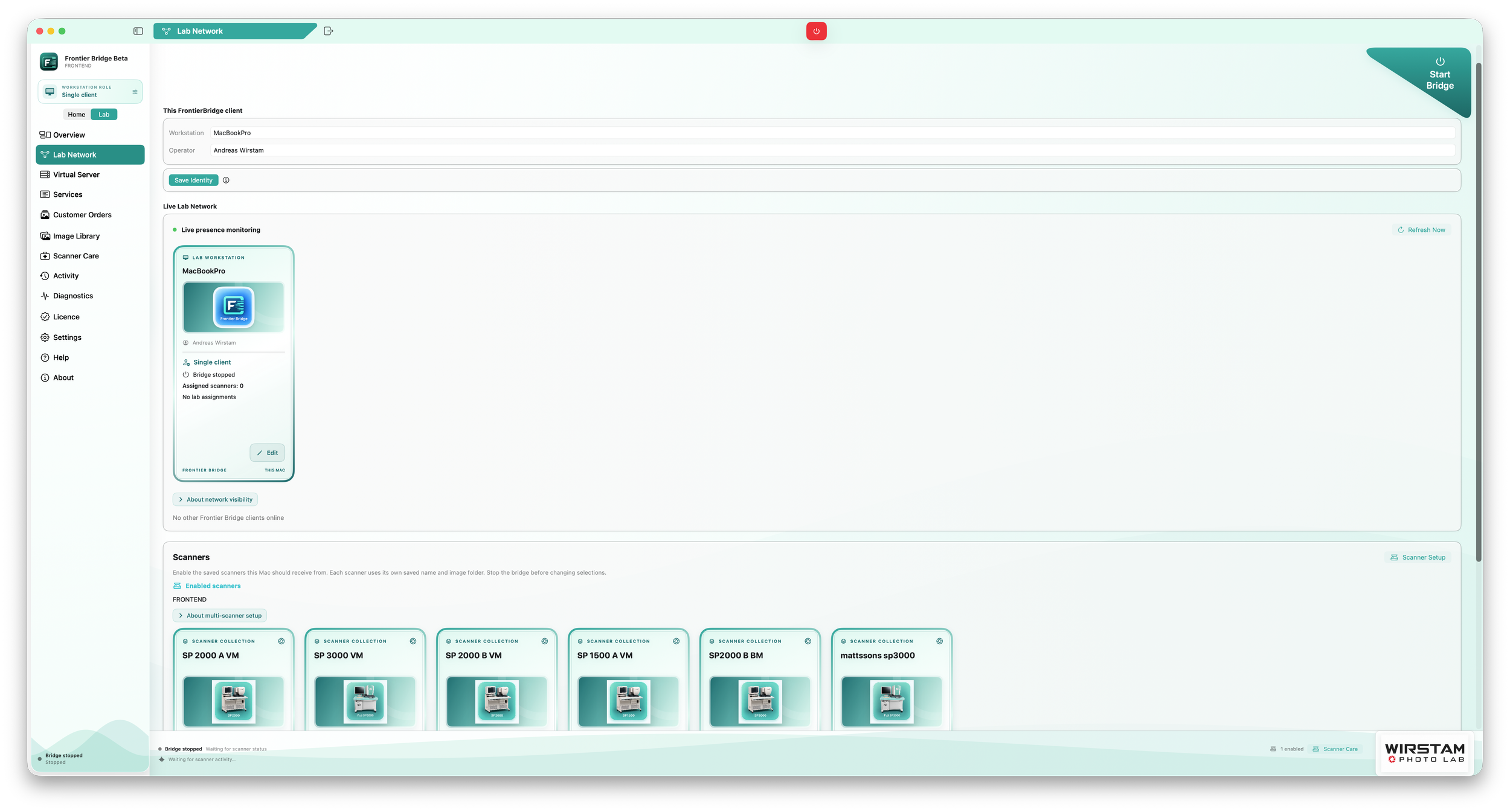
Lab mode adds coordinator and client roles, scanner requests and returns, multiple saved scanner profiles and customer-order tools. Each assigned scanner delivers images directly to its receiving Mac.
Recovery controls help restore an unavailable lab setup. Reclaiming an unreachable owner’s scanner requires explicit confirmation that the old Mac is shut down or disconnected.
What’s included
Guided scanner setup and saved Home/Lab profiles.
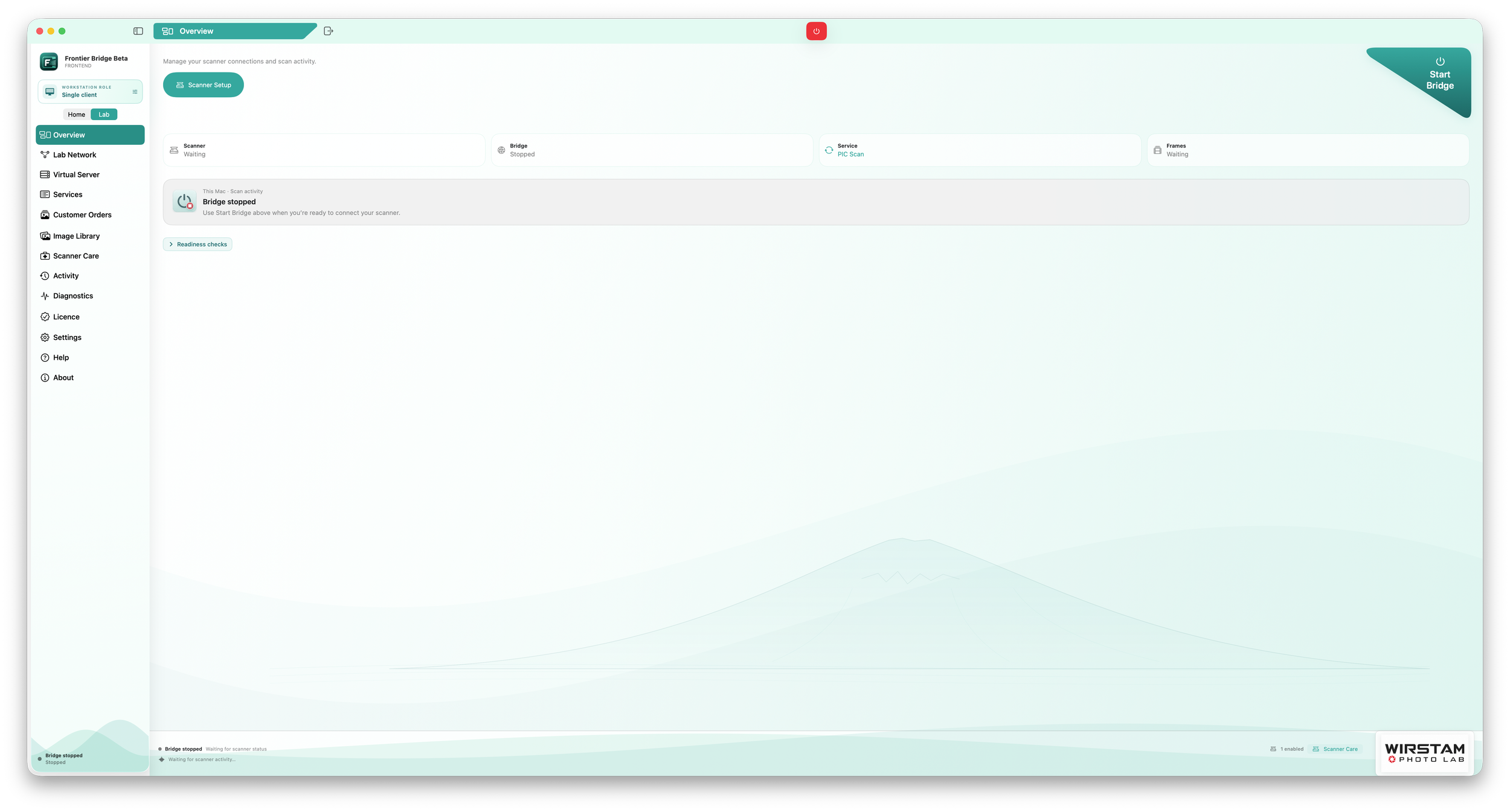
Live scanner status and image-receiving feedback.
Frame-ordered rolls with detailed image and scanner information.
Independent star ratings, color labels and text labels for rolls and images.
Roll-level film-stock editing applied to every image in the roll.
Scan Finishing tools for non-destructive adjustments and derivative export.
Customer Orders linked to received rolls.
A compact Archive with review dates and a separate roll viewer.
Verified local RAW re-export and optional RAW-original archiving.
Export to folders, Apple Photos and supported photo applications.
Destination-aware storage warnings, including NAS destinations.
Built-in help, diagnostics and support-report export.
Archiving keeps the daily Library clear; it does not free disk space. Review dates never delete images automatically.
Where things stand
Real SP-2000 testing has demonstrated image delivery, order completion and continued scanning across multiple rolls. Home and Lab scanning have both been exercised on real hardware.
Milestone 2 also includes successful initial image reception from a real SP-3000. Broader SP-3000 testing is still needed for complete rolls, orientation, order completion, reconnects and different software configurations.
SP-500 support currently covers folder import from supported exported data. It does not provide live SP-500 network scanning or replace its Windows controller.
The app and helper include both Intel and Apple silicon versions. Real Intel installations and wider multi-scanner lab configurations remain important beta-testing priorities.
What comes next
The focus is on testing more installations, improving reliability and refining everyday workflows while preserving the working scanning foundation.
Reports of successful tests are just as useful as failures. Scanner model, software version, Mac configuration and the result of a complete order help establish what works across different setups.
Interested in trying FrontierBridge?
Sign up for Milestone 2 Beta 1
Beta testers receive installation instructions and a Beta licence separately by email. No licence is bundled with the download.
Start with non-critical test material, keep independent backups and retain your existing working setup during evaluation.
FrontierBridge is an independent project and is not affiliated with or endorsed by Fujifilm.